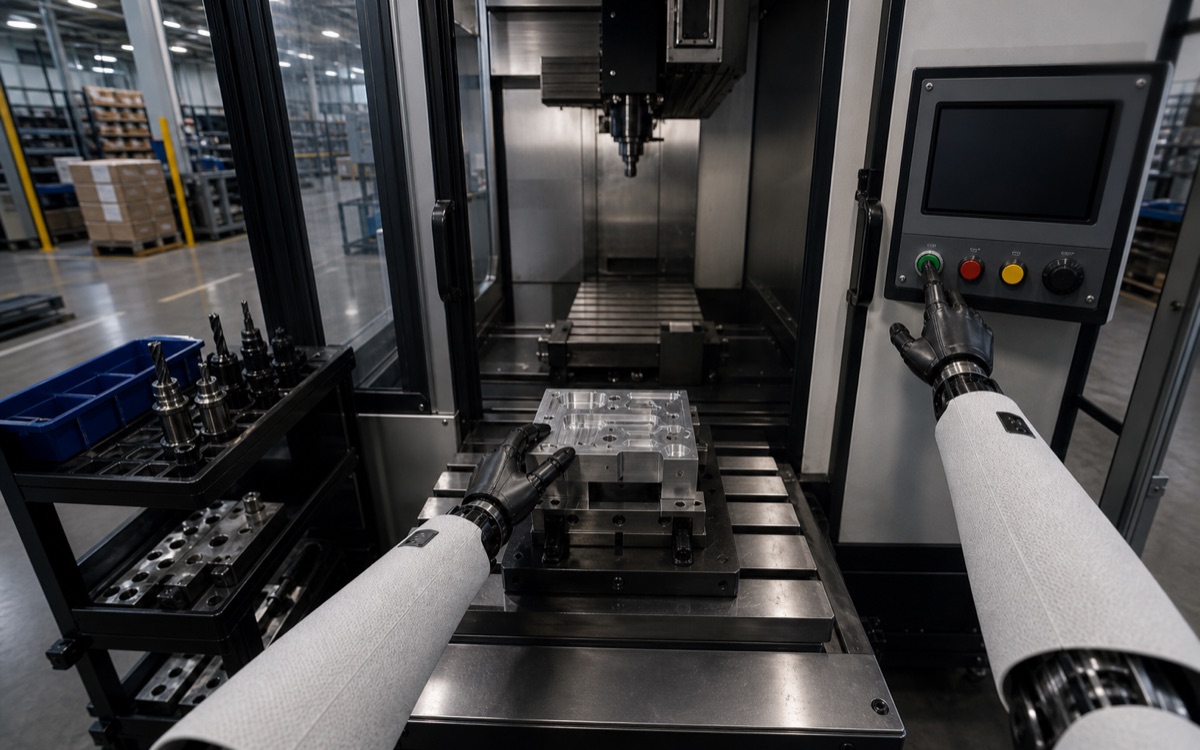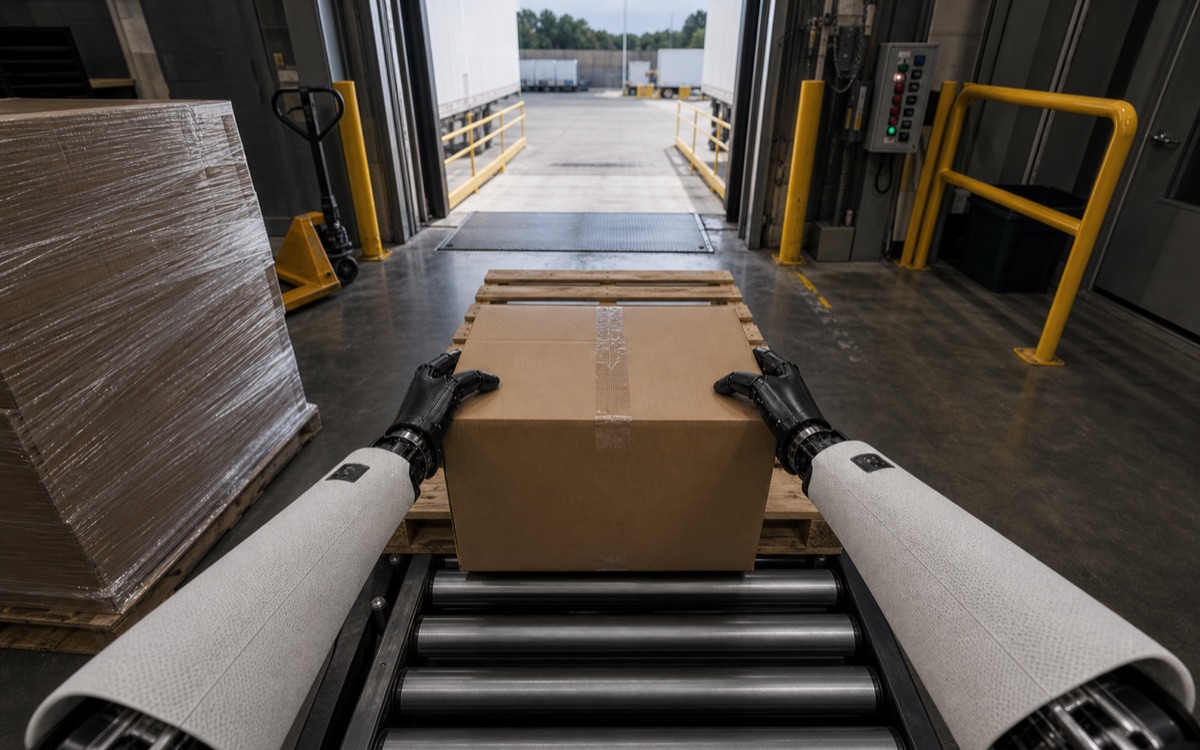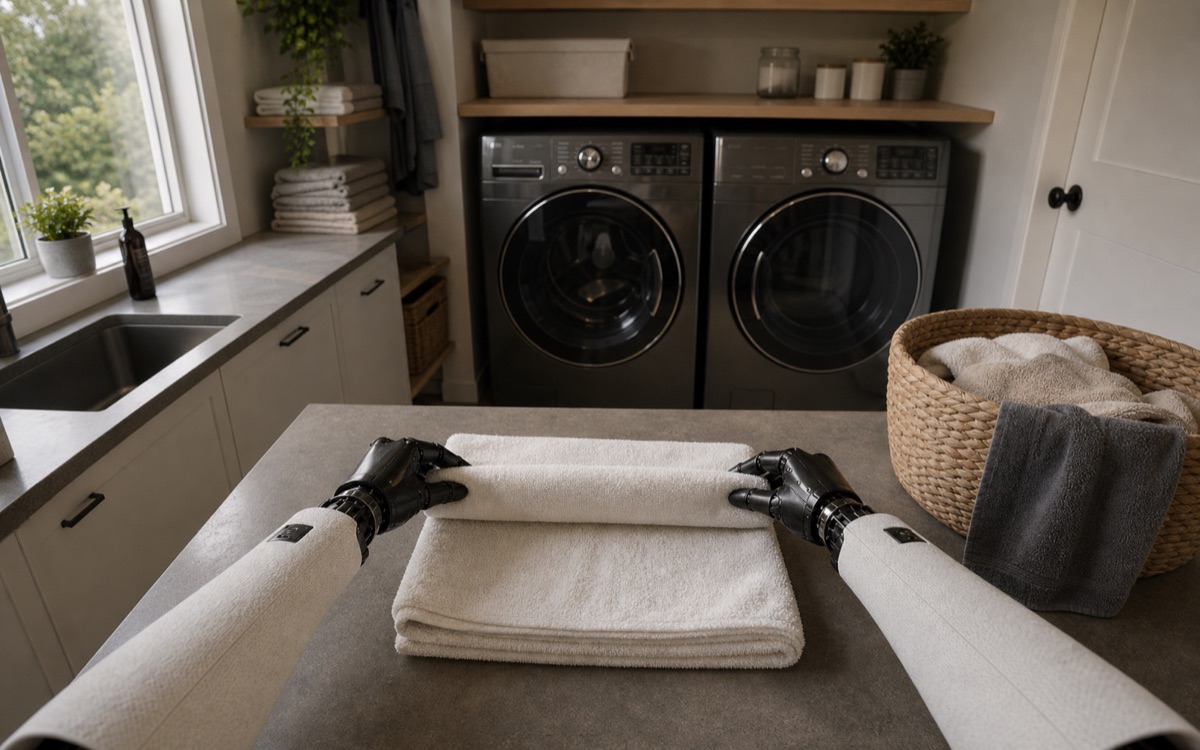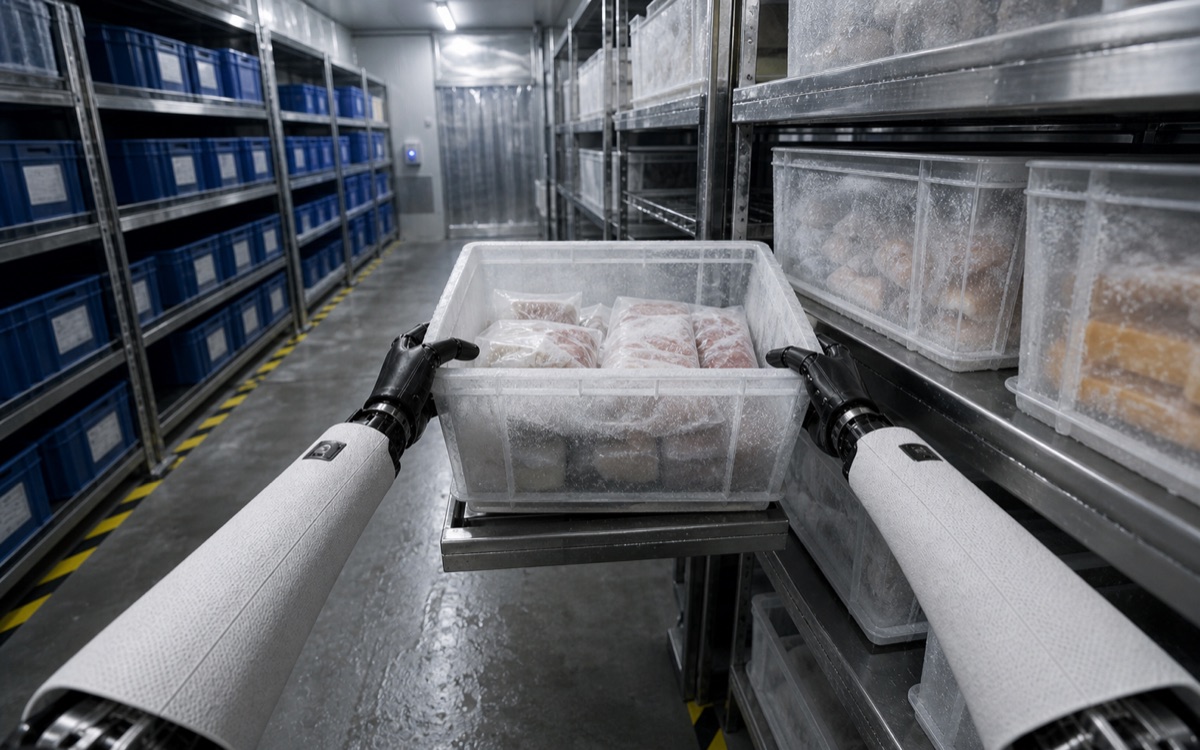
World model
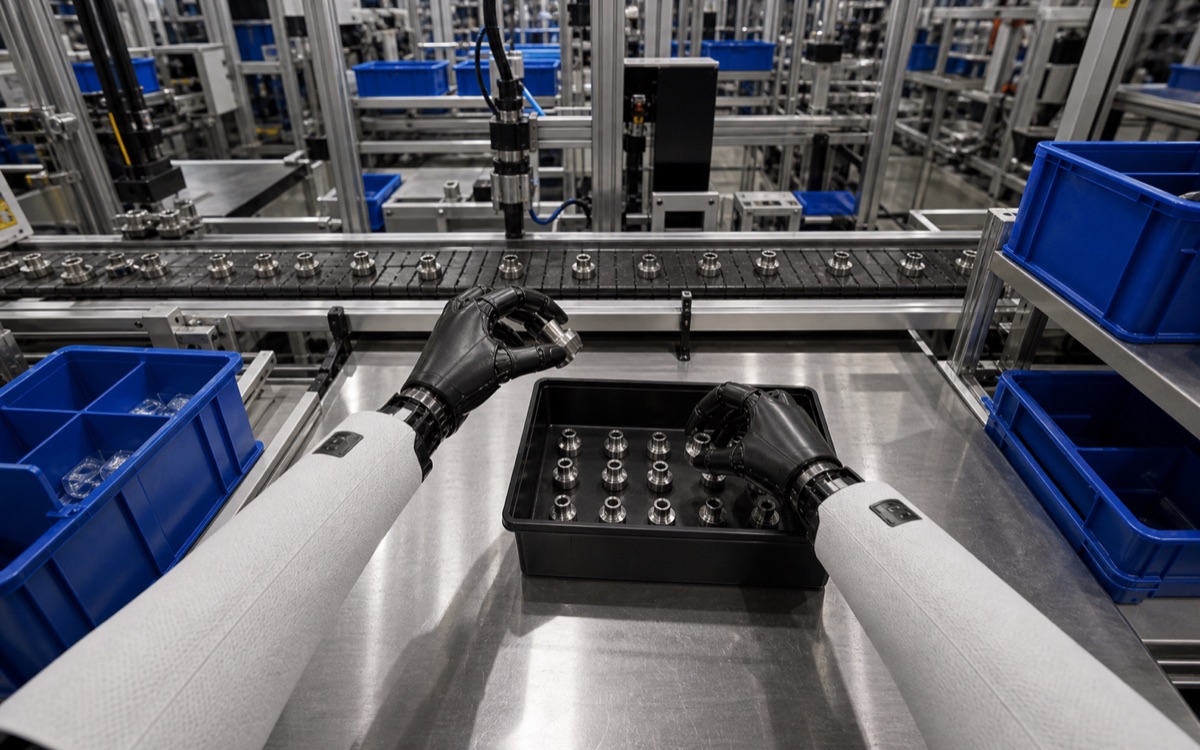
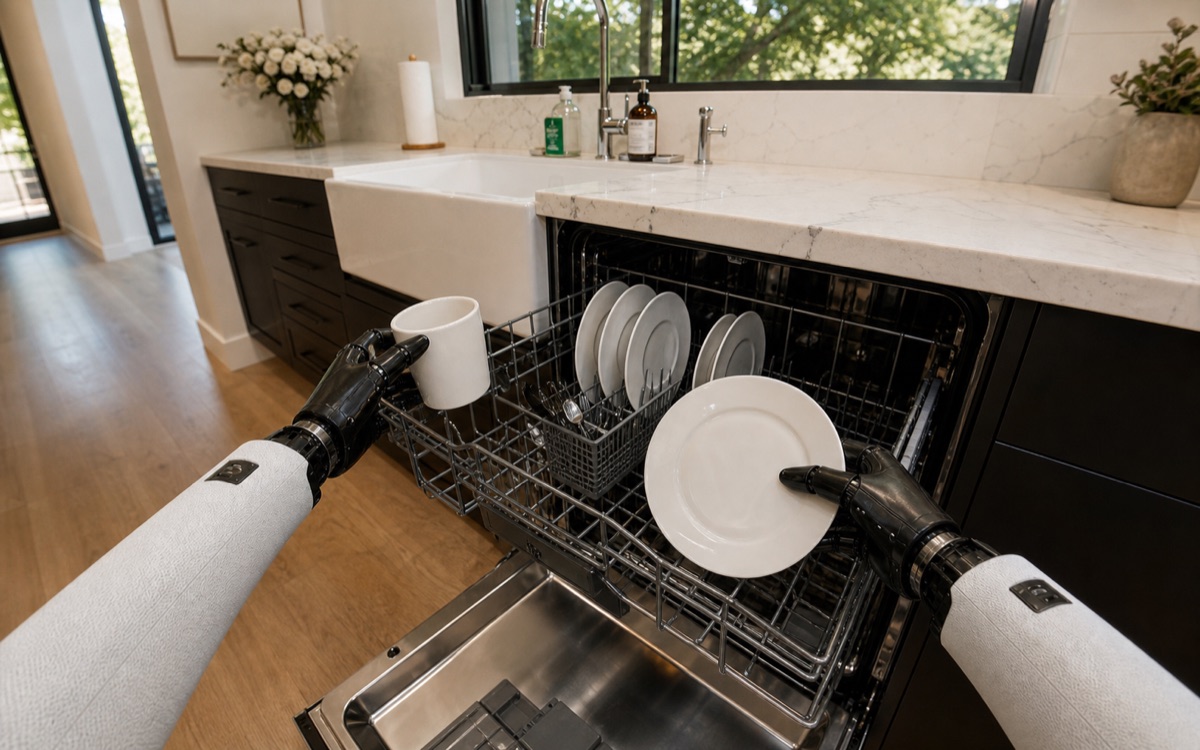
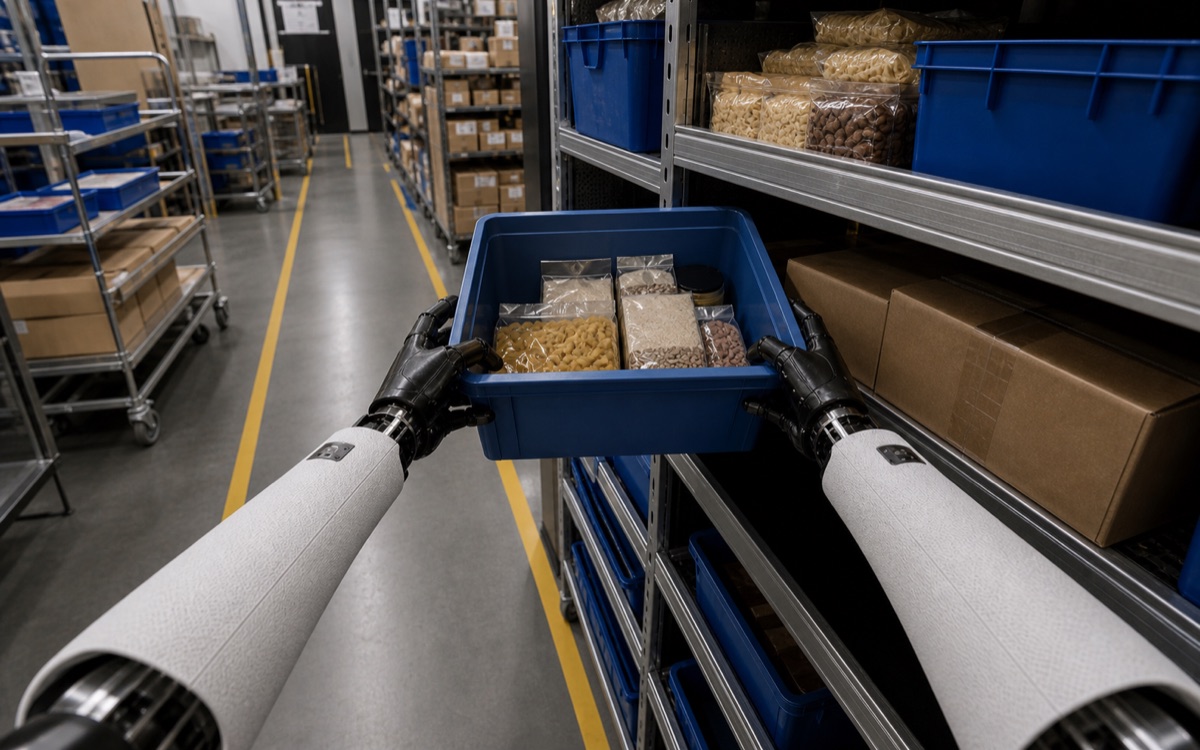
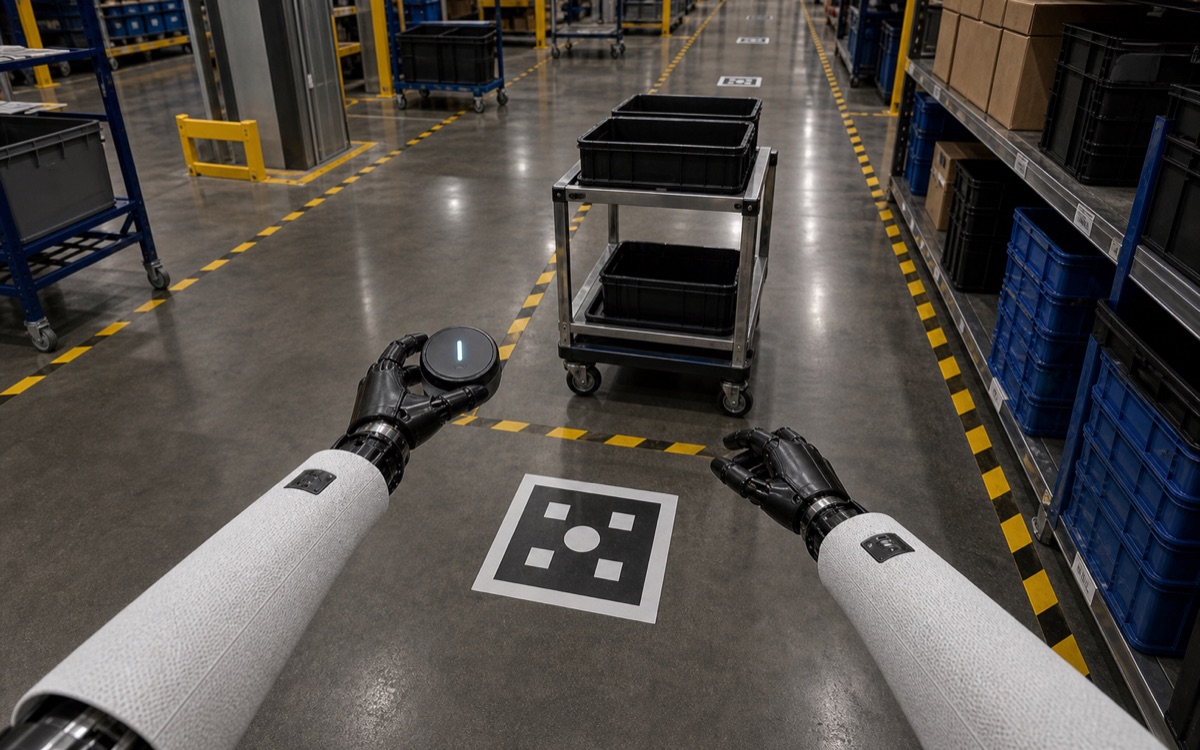
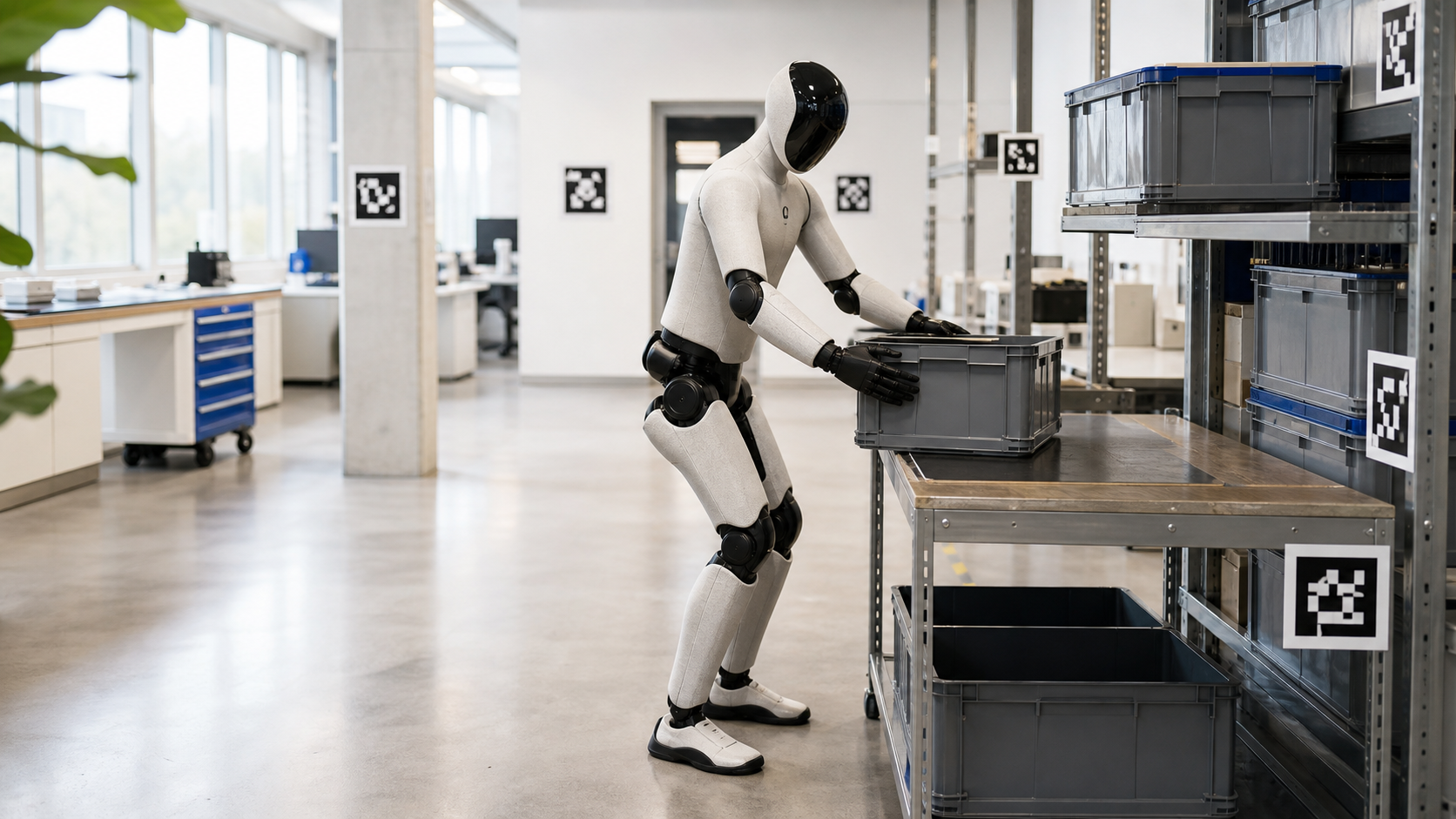
A Blueprint world model is a site-specific digital environment built from real capture of one facility and one workflow lane.
For Robot Teams
Blueprint turns a real facility into a site-specific world model, data package, and hosted test environment so your team can answer deployment questions before site visits, pilot spend, and rollout work begin.
One exact site. One workflow lane. Package access and hosted evaluation tied back to the same real capture record.
Need a custom scope instead? Talk to Blueprint.
Public launch truth
The map is the public answer to launch availability. Live cities can support stronger capture actions. Planned and under-review cities stay in future-city interest and launch work until the city-launch org moves them forward.
Live now
Use the dedicated map to inspect the full United States surface, hover each city, and open the role-specific next actions without leaving the page.
Buying paths
Start with the exact-site proof object, then choose the package, hosted evaluation, or a request-scoped program tied to that same source record.

World model
A Blueprint world model is a site-specific digital environment built from real capture of one facility and one workflow lane.

Site package
A site package is everything a robot team needs to run, adapt, or build its own world model for that site — walkthrough media, geometry, metadata, and rights — instead of using Blueprint-hosted runtime.

Hosted evaluation
Hosted evaluation is the Blueprint-managed runtime path for one exact site, used for reruns, failure review, checkpoint comparison, and export generation without passing files around first.
Visual proof
The public demo listing is the first trust check. It shows that the site is real, that the package is grounded to that site, and that the hosted path stays tied to the same facility.
Real listing asset
Real capture proof
Show the walkthrough, runtime stills, and listing evidence that anchor the public sample listing.
Illustrative product preview
Hosted product preview
Show how one site moves from setup to run review to export without implying that every illustrated surface is already public product UI.
Sample artifact layout
Export bundle
Show the kinds of outputs a team reviews after a hosted run: rollout video, metrics, datasets, and raw bundles.
Current public surface
Public sample listing
The buyer-facing listing that ties the site, package framing, and hosted path to one public sample.
Current public proof asset
Runtime reference still
A current runtime still from the public demo path, used as concrete visual proof instead of illustrative UI alone.
Representative artifact layout
Sample manifest and rights sheet
Representative manifests and trust sheets showing how package, export, and rights objects are presented to a buyer.
What is real vs illustrative
This reel shows current capture and product surfaces. Additional views are added as the product develops.
Real listing footage and public sample assets are shown where available. Product-interface callouts are clearly labeled when they are illustrative previews.
Proof trail
Start with the sample listing, then move into the runtime still and representative artifact layout. The point is to let a serious buyer inspect the proof path before deciding whether the package or hosted route is the right next step.
Current public surface
The buyer-facing listing that ties the site, package framing, and hosted path to one public sample.
Current public proof asset
A current runtime still from the public demo path, used as concrete visual proof instead of illustrative UI alone.
Representative artifact layout
Representative manifests and trust sheets showing how package, export, and rights objects are presented to a buyer.
Illustrative preview
Sample artifact
A session-hour is one hour of self-serve hosted runtime on one exact site. It covers the live session time used to run, rerun, inspect, and export results.
How teams use it
Use one exact site to see whether the robot can localize, fit, see the task, and finish the job before the expensive visit starts.
Generate exports tied to the real facility instead of trying to recover that context later.
Run the same lane after each autonomy update so regressions show up on the exact environment that matters.
Trust and governance
Proof depth
Public demo, sample artifact layouts, and listing-specific export availability should be visible before inquiry.
Rights class
Usage, sharing, and export boundaries should be attached to the listing rather than hidden behind a sales call.
Freshness
Capture recency and refresh state should be legible so a buyer knows whether the site is current enough for review.
Restrictions
Redaction, retention, restricted zones, and hosted-access limits should be easy to read.
Company references
Blueprint handles capture, packaging, licensing, and hosted access for site-specific world models. It does not promise deployment success. It makes the real site available earlier.
Buying boundary
Exact-site work is high-signal when one facility and one workflow question already matter. It is the wrong first purchase when the team still needs broad discovery, undefined rights review, or a guarantee the product does not truthfully provide.
Exact-site work is strongest when one real site and one workflow lane already matter. If the question is still broad, generic sim or earlier discovery is usually cheaper first.
If the immediate goal is general pretraining or non-site-specific evaluation, a generic environment may be the better first step than a facility-grounded package.
If capture permissions, redaction scope, export limits, or commercialization boundaries are unresolved, finish that review before buying exact-site work.
Blueprint helps a team answer deployment questions earlier. It does not replace safety review, on-site validation, or the team's own stack-specific signoff.